Windows 10 Tips

From Briki
Revision as of 13:21, 12 February 2021 by Andrew (talk | contribs)
(diff) ← Older revision | Latest revision (diff) | Newer revision → (diff)
Jump to: navigation, search

Contents

  • 1 Monitor Switcher
  • 2 Monitor Test Patterns
  • 3 Setup MPC-BE
  • 4 Rename Network
  • 5 Installing WSL

Monitor Switcher

https://sourceforge.net/projects/monitorswitcher/

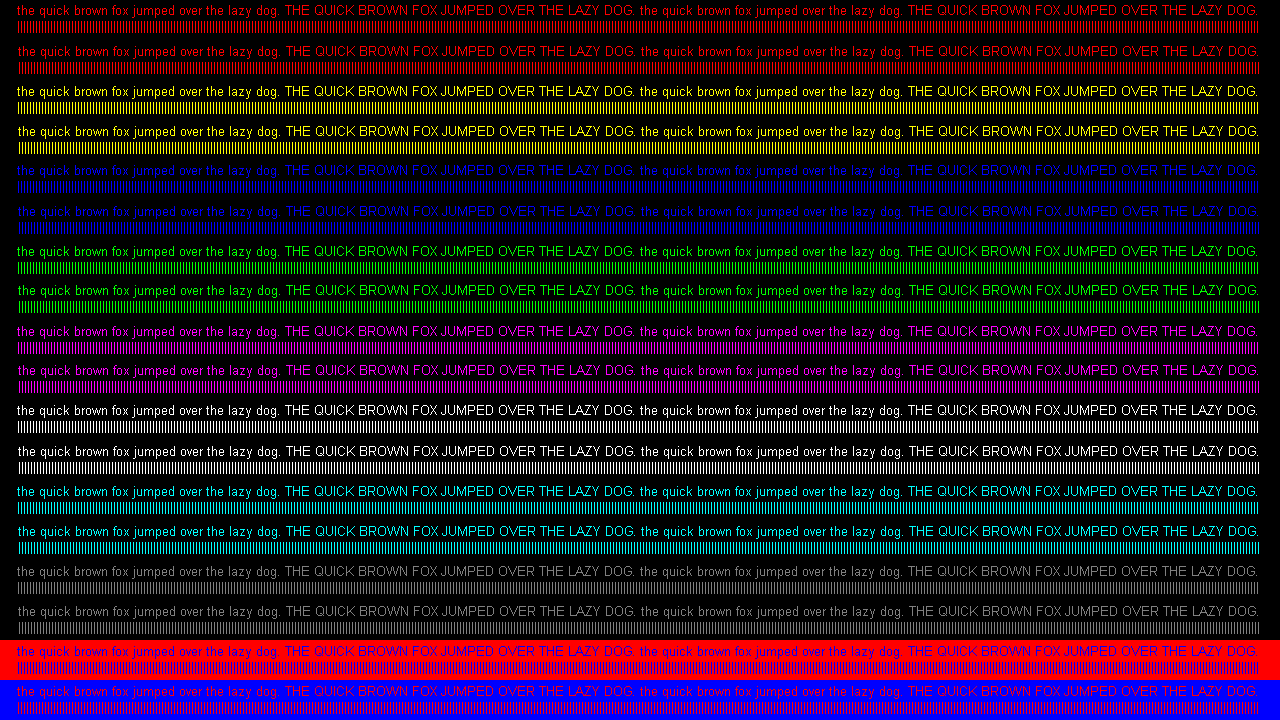
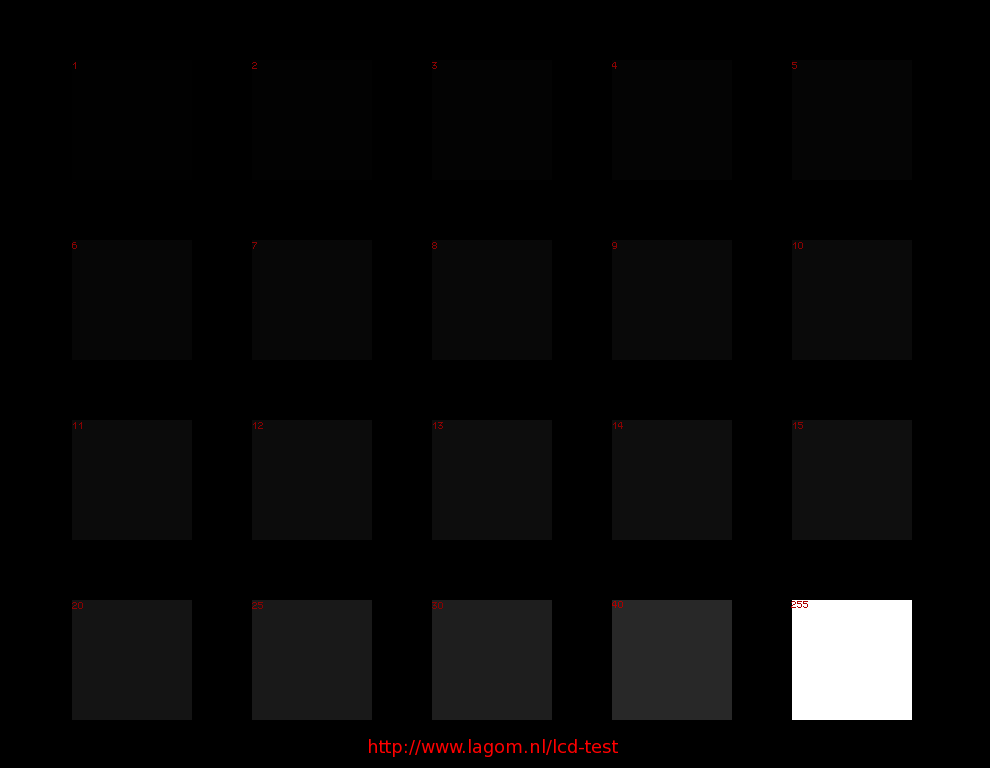
Monitor Test Patterns

  • Limited vs. Full Range: http://www.lagom.nl/lcd-test/img/blacktest.png
  • Chroma Subsampling: https://www.rtings.com/images/test-materials/2017/chroma-444.png

Setup MPC-BE

  • MPC-BE: https://chamconsoft.com/cmc/forums/?w3=dmlld3RvcGljLnBocD90PTE5Nw==
  • madVR: https://forum.kodi.tv/showthread.php?tid=259188

Rename Network

https://www.howtogeek.com/364291/how-to-change-or-rename-the-active-network-profile-name-in-windows-10/

Installing WSL

https://docs.microsoft.com/en-us/windows/wsl/install-win10

Note: If you see Error 0x80370102, you may need to enable virtualization in your motherboard BIOS: https://ourcodeworld.com/articles/read/1283/how-to-enable-amd-virtualization-on-the-aorus-x570-motherboard

Retrieved from "https://wiki.bretts.org/index.php?title=Windows_10_Tips&oldid=8447"

Navigation menu

Views

  • Page
  • Discussion
  • View source
  • History

Personal tools

  • Log in

Navigation

  • Main Page
  • Linux Tips
  • Docker Tips
  • Windows 10 Tips
  • Mac OS X Tips
  • Machine List
  • Recent changes
  • Random page
  • All Pages


Tools

  • What links here
  • Related changes
  • Special pages
  • Permanent link
  • Page information
Powered by MediaWiki
  • Privacy policy
  • About Briki
  • Disclaimers